scheduling
Auto Repair Bay Scheduling
How auto repair shops should think about bay scheduling, technician capacity, blocked work, carryover, and same-day movement.

Auto repair bay scheduling is the shop-floor process of deciding which vehicle goes where, which tech owns it, what equipment it needs, and what has to move next. It is not the same as appointment scheduling. A calendar can tell you when a customer is dropping off. It cannot tell you whether Bay 3 should hold a torn-down car or stay open for the waiter already promised by lunch.
The practical way to run bay scheduling is to start with technician capacity, then layer in bay space, bottleneck equipment, parts status, approvals, carryover, and customer promises. Bays matter, but bays do not produce hours by themselves. A productive bay needs the right tech, the right job, the right part, and a next action that is clear enough for the floor to move without guessing.
I run a six-bay shop with four techs. That does not mean I have six bays of usable capacity all day. Some days the constraint is a tech. Some days it is the alignment rack. Some days it is a car waiting on approval that should have moved out of a productive bay two hours ago.
That is why bay scheduling has to be treated as production planning, not calendar decoration.
Bays And Appointments Are Different
Appointment scheduling answers a front-counter question: when is the customer expected?
Bay scheduling answers a floor question: where does this vehicle go, who can work on it, and what has to happen before it can leave?
Those are different jobs.
The appointment calendar might show a clean day. Four drop-offs, two waiters, one comeback, one diagnostic. It looks manageable from the counter. Then the floor adds the missing context: the diagnostic needs your strongest tech, the comeback needs the foreman, the waiter needs a lift by 9, and yesterday's carryover is still waiting on a part.
That is how a full calendar becomes a broken floor.
The pillar article on how to schedule an auto repair shop covers the broader operating system. This post stays on the bay problem: how to think about productive space when every vehicle is competing for tech time, lift access, equipment, parts, and attention.
Techs, Bays, And Equipment
A bay schedule only works when it respects three capacity layers.
First, technicians. A bay without the right tech is just parking. The A Tech may be tied up on a diagnostic. The apprentice may be available but not ready for the job. The foreman may be the only person who can make the next call on a comeback.
Second, bays. Not every bay is the same. One bay may be better for trucks. One may hold the alignment rack. One may have easier access for waiters and quick inspections. One may be a bad place to leave a torn-down vehicle overnight.
Third, bottleneck equipment. The AC machine, alignment rack, scan tool, programming setup, tire equipment, or engine support tool can quietly decide the day. If two jobs need the same equipment at the same time, the schedule is already wrong.
FastTrak's older but still useful operations article on automotive repair resources and scheduling impact names the same resource categories: technicians, service advisors, bays, equipment, and support people. The useful point is not the software pitch. The useful point is that scheduling conflicts do not come from one source. They come from resources colliding.
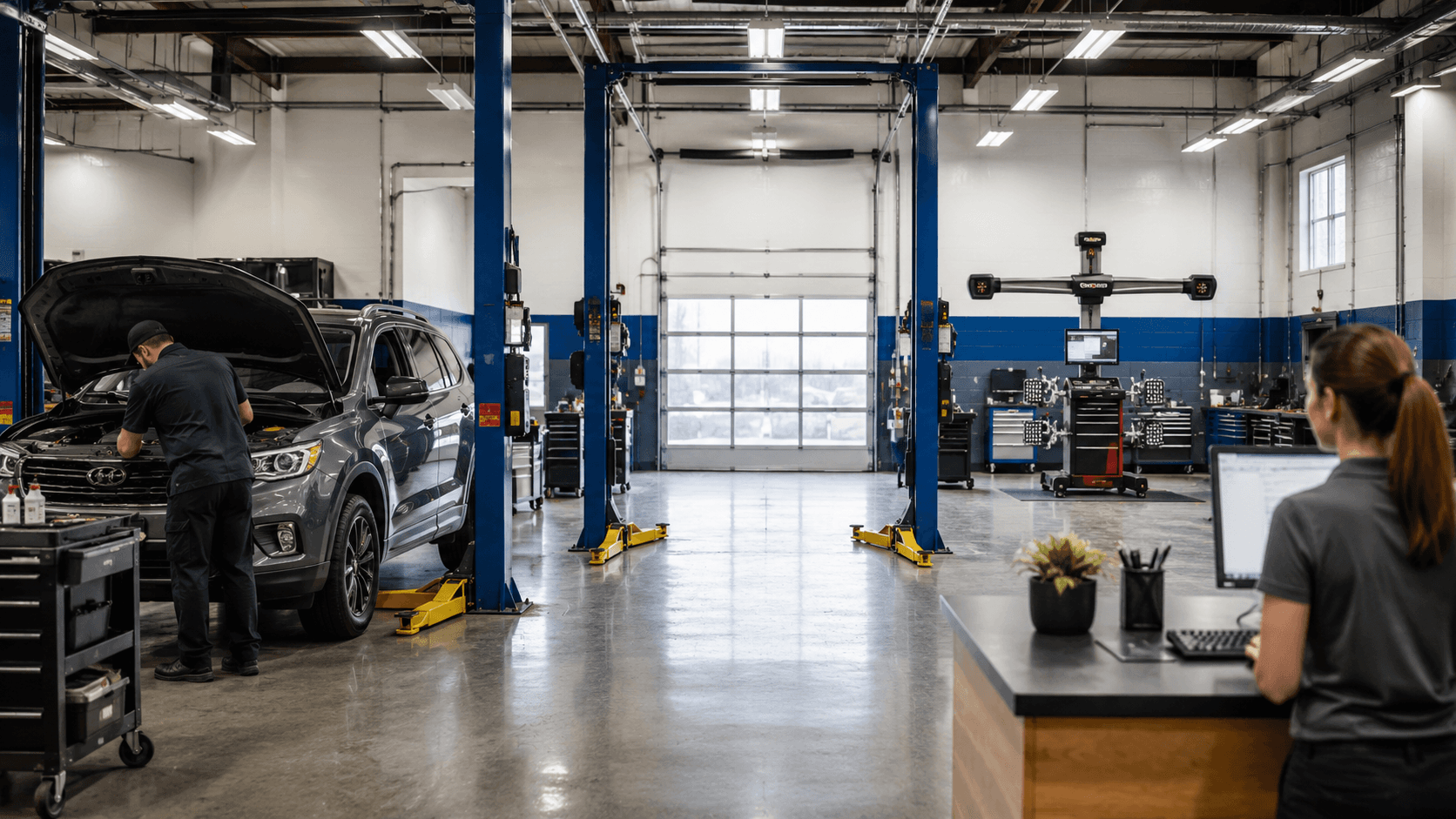
An Open Bay Can Still Be Unavailable
An open bay can fool you. Before adding more bays, identify what is actually holding up the work.
If the right tech is buried, the open bay does not create capacity. If the job needs an alignment rack and the rack is tied up, another lift does not help. If the service writer is waiting on approval, the bay may sit open while approved work is already stacking somewhere else.
The reverse is also true. A full bay does not always mean productive work.
A vehicle waiting on parts can make the floor look loaded while producing nothing. A car waiting on approval can block a lift while the customer thinks it is still "being looked at." A comeback can sit in a productive space because nobody has made the next decision.
That is why bay scheduling has to separate four states:
- Productive bay: active work with a tech and next action.
- Waiting bay: vehicle is in a bay but waiting on approval, parts, or a decision.
- Holding space: vehicle is staged away from productive lift time.
- Flex space: intentionally open room for waiters, tow-ins, diagnostics, and same-day movement.
The mistake is treating all four as the same thing.
Schedule by Job Stage, Not Arrival Time
Arrival time is not enough.
A vehicle that arrived first may not be ready to move first. It may need authorization. It may need parts. It may need the only tech who is still tied up. A vehicle that arrived later may be a better use of the next open bay because it has a clear job, parts in hand, and a tech who can finish it before lunch.
Good bay scheduling looks at job stage:
- Intake complete.
- Inspection started.
- Estimate building.
- Waiting on approval.
- Approved and ready.
- Waiting on parts.
- Active work.
- Quality check.
- Carryover.
That stage decides whether a bay should stay occupied.
Shop-Ware's public capacity management page is a good example of how this category is moving. It describes live billable and available hours, ROs in progress, work waiting, and a view of when the next tech is free. That is not an endorsement or a replacement claim. It is evidence that capacity has become a visible software problem in the SMS world too.
The operator question is still simple: can your team see which jobs are ready to move, which are blocked, and which tech has room before the next promise is made?
Protect Productive Bays From Parts Waits
Parts waits are one of the fastest ways to lose bay control.
IMR's 2026 repair shop challenges data says 22.8% of shops reported finding needed parts or dealing with parts shortages as an operational issue, and another 4.8% said getting parts on time affects scheduling and workflow. You do not need a national survey to feel that in the shop. One late part can turn a useful bay into storage.
The fix is not to move every parts-wait car immediately. Sometimes leaving it in place is correct. If the part is ten minutes away and the tech is ready, moving the car twice is wasted motion.
But the decision should be explicit.
For every parts-wait vehicle sitting in a productive bay, answer:
- Is the vehicle safe and easy to move?
- When is the part actually expected?
- Which tech owns the next action?
- Is another approved job waiting for that lift?
- Does this become carryover if the part misses the window?
If nobody can answer those questions, the bay is not scheduled. It is occupied.

The same logic applies to approvals. A car waiting on customer approval may deserve a bay if it is torn down and likely to approve. It may need holding space if the customer is unreachable and the lift is needed. The schedule should force that decision before the day gets away from you.
Carryover Starts as a Bay Decision
Carryover is usually framed as unfinished work. On the floor, it is also a space problem.
If a vehicle carries into tomorrow, where does it sit tonight? Is it torn down on a lift? Is it outside and movable? Does it need the same tech first thing? Does it need the alignment rack after parts arrive? Does the customer already have a promise?
Those questions belong in today's bay schedule, not tomorrow morning's scramble.
The overbooking article explains why carryover comes before new promises. The bay version is even more concrete: carryover owns space before the next day's appointments arrive. If you ignore that, tomorrow starts with less capacity than the calendar thinks.
At closing, every carryover job should have:
- A named next action.
- A tech owner.
- A space decision.
- A parts or approval status.
- A realistic first move for tomorrow.
That is not extra administration. That is how the foreman protects the morning.
Is The Bottleneck Bays Or Techs?
Many shops blame bays when the real constraint is technician capacity.
BLS projects about 70,000 automotive service technician and mechanic openings each year, on average, from 2024 to 2034. IMR's 2026 survey also reported that 23.8% of shops had difficulty finding qualified or responsible technicians. That labor pressure changes how a shop should think about bays.
Adding a lift does not help if the next job needs a tech you do not have. Keeping every bay full does not help if the jobs are waiting on one person. Booking more cars does not help if the floor cannot turn them into approved, assigned, finished work.
When the day feels jammed, diagnose the constraint:
- Are bays occupied by active work or waiting work?
- Is the right tech available for the work that is ready?
- Is equipment booked twice?
- Are parts or approvals blocking movement?
- Is carryover consuming space that the calendar treated as free?
If the answer is tech load, solve tech load. If the answer is waiting work, move the vehicle or move the decision. If the answer is equipment, protect that resource from double booking.
Do not solve every problem by adding more cars to the calendar.
Where BayBoard Fits Beside the SMS
BayBoard should be described carefully here.
BayBoard is not a shop management system. It does not replace Tekmetric, AutoLeap, Shopmonkey, Shop-Ware, Mitchell, or any other SMS. ROs, estimates, invoices, digital inspections, parts, payments, and customer messages stay in the SMS.
BayBoard is not a physical bay or equipment reservation system. It handles the technician and work-capacity side of the floor schedule: tech load, blocked work, carryover, and same-day movement. Confirmed Auto-Schedule places Unassigned work by skill and open capacity. Jobs start from the repair order. BayBoard does not import repair orders.
That still matters for bay scheduling because most bay decisions are downstream of work-capacity decisions.
If the foreman can see that the A Tech is buried, the waiter needs to move differently. If the service writer can see a job is blocked on approval, the next promise changes. If carryover is already assigned before tomorrow starts, the shop does not pretend that lift is free.
That is the floor-scheduling layer described in the comparison post on Tekmetric, AutoLeap, Shopmonkey, Shop-Ware, and Mitchell scheduling. Keep the SMS as the system of record. Use BayBoard to help the floor decide who can take the work, what is blocked, what carries over, and what needs to move today.
Build A Workable Bay Schedule
A usable bay schedule does not need to be fancy. It needs to be true.
It should show which jobs are active, which are waiting, which tech owns each next move, which work is likely to carry over, and which promises are exposed. It should make the difference between open bay and open capacity obvious. It should help the service writer avoid promising work the floor cannot absorb.
Start with technician capacity. Add bay and equipment constraints. Protect productive space from waiting work. Make carryover visible before tomorrow starts.
That is how bay scheduling becomes useful.
If your shop is trying to control tech load, blocked work, carryover, and same-day movement without replacing the SMS, request access to BayBoard. It gives the floor its own schedule for the decisions that happen after the appointment lands on the calendar.
FAQs
- What is auto repair bay scheduling?
- Auto repair bay scheduling is the process of deciding which vehicle, tech, bay, and next action should move through the shop without blocking productive space. It is different from appointment scheduling because it has to account for work already in the building.
- Is bay scheduling the same as appointment scheduling?
- No. Appointment scheduling gets the customer onto the calendar. Bay scheduling decides whether the right tech, lift, equipment, parts, and approval window exist to move the job through the shop.
- How many bays should a shop load at once?
- There is no universal number. Start with usable technician hours and the work already committed, then decide which bays should be active, which should stay flexible, and which vehicles should move to holding space.
- How do parts delays affect bay scheduling?
- Parts delays turn a productive bay into storage if the vehicle cannot move. The schedule should flag parts-wait work early so the foreman can decide whether the car stays on the lift, moves to holding space, or becomes carryover.
- Does BayBoard directly schedule physical bays and equipment?
- BayBoard focuses on technician and work-capacity decisions: tech load, blocked work, carryover, and same-day movement. Confirmed Auto-Schedule places Unassigned work by skill and open capacity. It helps operators make bay decisions, but it does not schedule physical bays or equipment, and it does not import repair orders.
Want a schedule that handles the real day?
BayBoard shows technician capacity, blocked work, and carryover in one view.
Request Access
Daniel Mallatt
Founder, BayBoard / Owner, Franklynn Automotive
Daniel Mallatt runs Franklynn Automotive, a six-bay repair shop in Littleton, Colorado, and built BayBoard from the scheduling problems he sees on the floor.
Keep reading
Shop Scheduling Compared
A neutral public-doc comparison of how Tekmetric, AutoLeap, Shopmonkey, Shop-Ware, and Mitchell handle shop scheduling.
Stop Overbooking Techs
A practical way to stop overbooking mechanics by planning technician hours, carryover, job mix, and bay constraints without starving the shop floor.
Schedule Your Shop Better
A practical scheduling system for auto repair shops that accounts for technician capacity, carryover, parts delays, and the 4 PM surprise.