scheduling
When Whiteboards Break
Why repair shops still use whiteboards for scheduling, where the board starts breaking, and what a digital shop-floor schedule has to preserve.
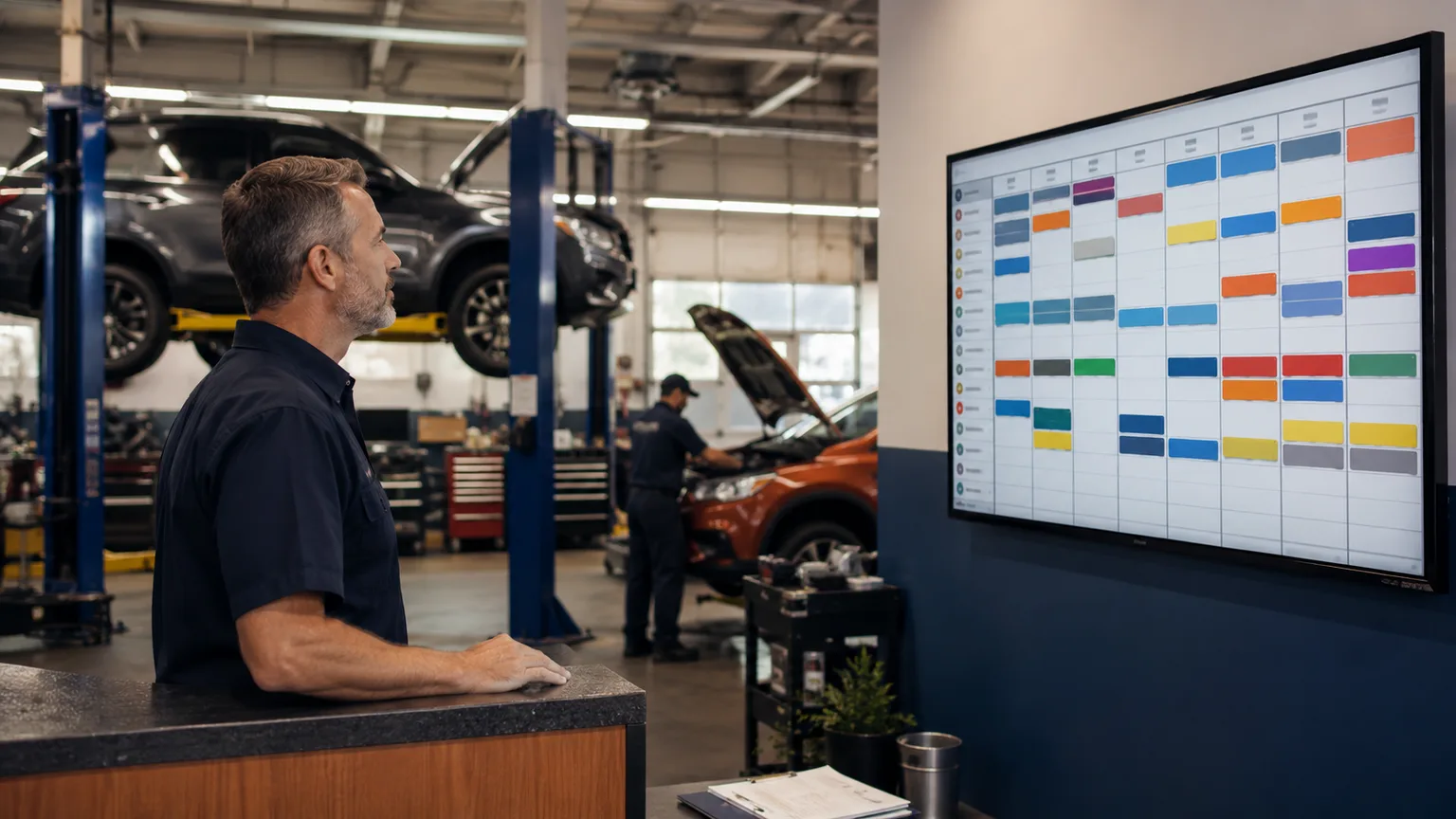
An auto repair shop whiteboard schedule is a shared visual board that shows what is in the shop, who owns each job, what stage the job is in, and what needs to move next. It works because the whole team can see the day without opening a laptop or asking the service writer.
The whiteboard starts breaking when visibility depends on one person constantly rewriting it. A good board can show today. It struggles with carryover, parts waits, approvals, bay conflicts, remote visibility, and a history of what changed. The answer is not to shame the board. The answer is to preserve what made it useful while moving the live floor schedule into a system the whole team can trust.
I like whiteboards. At Franklynn, the board made the day visible before the software did. If a tech wanted to know what was next, they looked up. If a service writer needed to know whether a waiter could squeeze in, they walked to the board. If I needed to feel the load on the shop, I could see it in ten seconds.
That is why shops keep using them.
Why Shops Still Use Whiteboards
Most shops do not keep a whiteboard because they hate software. They keep it because the board solves a real shop-floor problem.
It is visible from across the room. It does not require a login. It can be changed quickly. It gives the foreman, service writer, techs, and owner a shared picture of the day.
There is public evidence that this behavior is not rare. Ratchet+Wrench wrote about H2Oil Automotive using a wall-mounted TV to display its shop schedule so techs could see upcoming appointments without being caught off guard. The point was simple: the floor needed a shared visual schedule, not just a calendar sitting in the office.
Physical board vendors show the same pattern from the other side. Magnetic Concepts sells auto service schedule whiteboards built around technician assignments and service details. Magnatag sells vehicle service boards built around job status, notes, color coding, and workload visibility. Those products exist because shops want the day in front of the team.
The whiteboard is not the problem. A hidden schedule is the problem.
What a Good Shop Board Tries to Track
A useful repair shop scheduling board usually tracks more than appointments.
It tries to answer:
- What vehicles are here?
- Which jobs are approved?
- Which tech owns each job?
- Which jobs are waiting on parts?
- Which jobs are waiting on customer approval?
- Which jobs are carryover from yesterday?
- Which jobs are promised today?
- Which jobs are tying up a bay or specialty equipment?
That is a lot for dry erase marker and magnets.
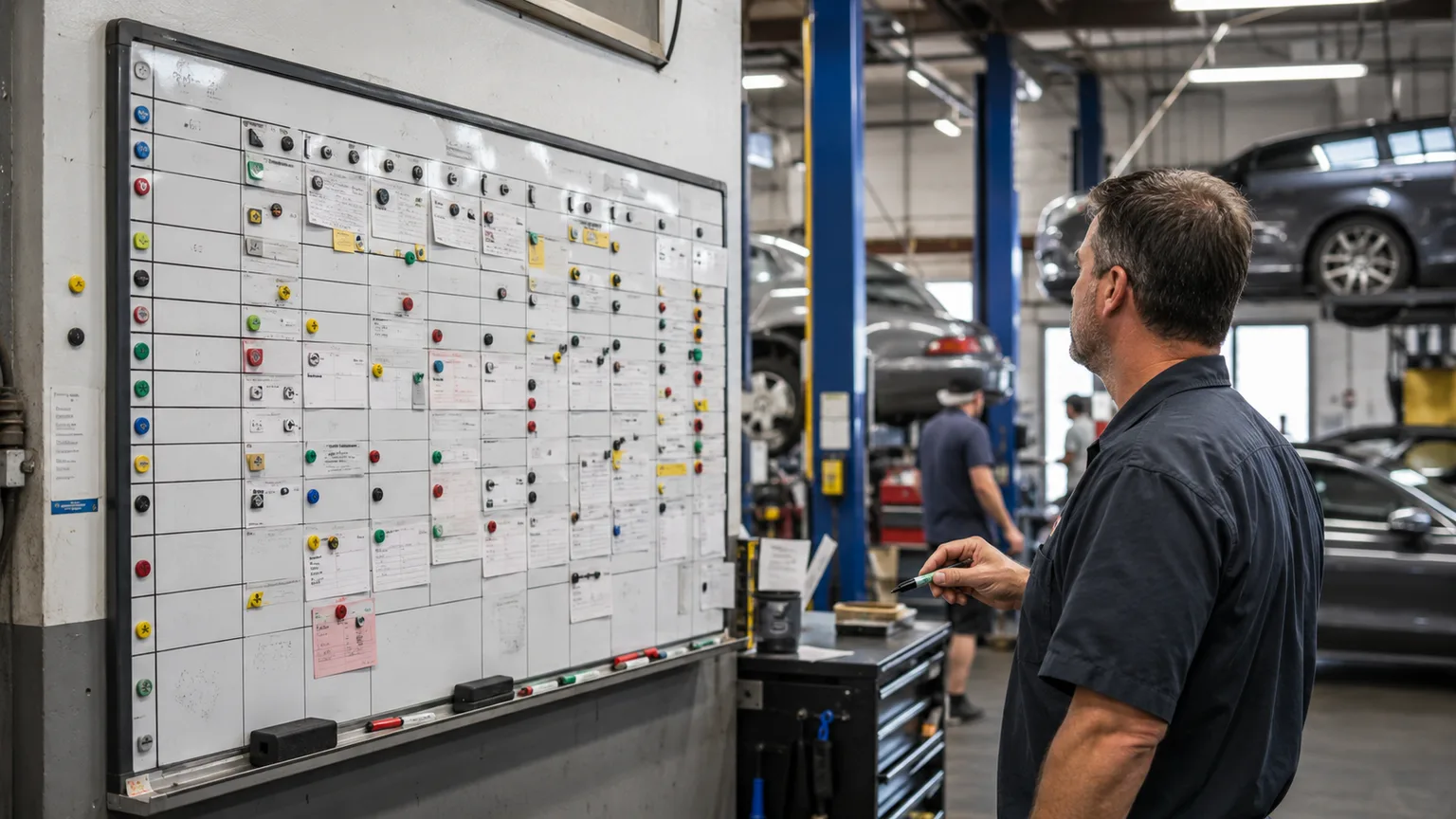
The first version of a board is usually simple: customer, vehicle, tech, status. Then the shop adds colors. Then parts waits need a mark. Then carryover gets a corner. Then waiters get circled. Then one tech wants a different priority system. Then the board is still useful, but only because one person in the building knows how to read the code.
When the board needs an interpreter, it is starting to drift.
Where the Whiteboard Starts Breaking
The board breaks in predictable ways.
First, it has no memory. If a car moved from waiting on approval to waiting on parts, the old state disappears unless someone wrote it somewhere else. That matters when the customer calls, when the owner asks what happened, or when the same job carries into tomorrow.
Second, it depends on manual updates. A service writer approves a job in the SMS. A tech finds another problem. A part arrives. A waiter changes plans. Every one of those moments has to be copied to the board. If the board is not updated, the floor sees stale reality.
Third, it hides carryover. A car that did not finish today can sit on the board overnight, but tomorrow's schedule still has to reserve the tech time, bay space, and next action. If carryover is just an old line on yesterday's board, it becomes tomorrow's surprise.
Fourth, it does not travel. If the owner is away from the shop, the board is invisible. If the service writer is at the counter, the board may be twenty steps away. If a tech wants to check what changed while on lunch, they cannot.
Fifth, it can split the truth. The SMS says one thing. The whiteboard says another. The tech heard a third thing from the foreman. The customer was promised something else. None of that comes from bad intent. It comes from too many places to update.
That is when the board stops being a source of truth and becomes a suggestion.
Calendars Cannot Replace The Board
Online appointment scheduling can help the front counter. Ratchet+Wrench's 2024 industry coverage reported that many customers now schedule online, including after hours and on mobile devices. That is real. Shops need a clean way for customers to request time.
But an appointment calendar does not solve the shop-floor schedule by itself.
The calendar knows when the customer wants to drop off. The floor needs to know whether the right tech, bay, equipment, parts, and approval window exist to finish the work.
That is the same distinction from the pillar article on how to schedule an auto repair shop. Booking gets the vehicle onto the calendar. Shop-floor scheduling decides whether the work can actually move through the building.
When the board is mostly tracking which vehicle should occupy which lift, the next layer is understanding auto repair bay scheduling as a capacity problem, not just a parking problem.
A whiteboard is often the shop's attempt to fill that gap. When the board is full but nobody can tell whether the techs have usable hours left, the next problem is how to stop overbooking mechanics without leaving bays empty.
What Digital Boards Get Right
Digital shop boards exist because the whiteboard behavior is worth preserving.
Tekmetric's public Tech Board documentation describes a board used to see what jobs techs are working on, view assigned and incomplete hours, dispatch jobs by workload, and rearrange priorities when parts are delayed. That is not the same as a physical whiteboard, but it proves the category need: the floor needs a live workload view. For a broader public-doc review, see how Tekmetric, AutoLeap, Shopmonkey, Shop-Ware, and Mitchell handle shop scheduling.
Strong digital boards keep the useful parts of the whiteboard:
- Everyone can see the day.
- Status is visible at a glance.
- Tech ownership is clear.
- Work can move when reality changes.
- Parts waits and approval waits do not disappear.
- The team has one shared language for job status.
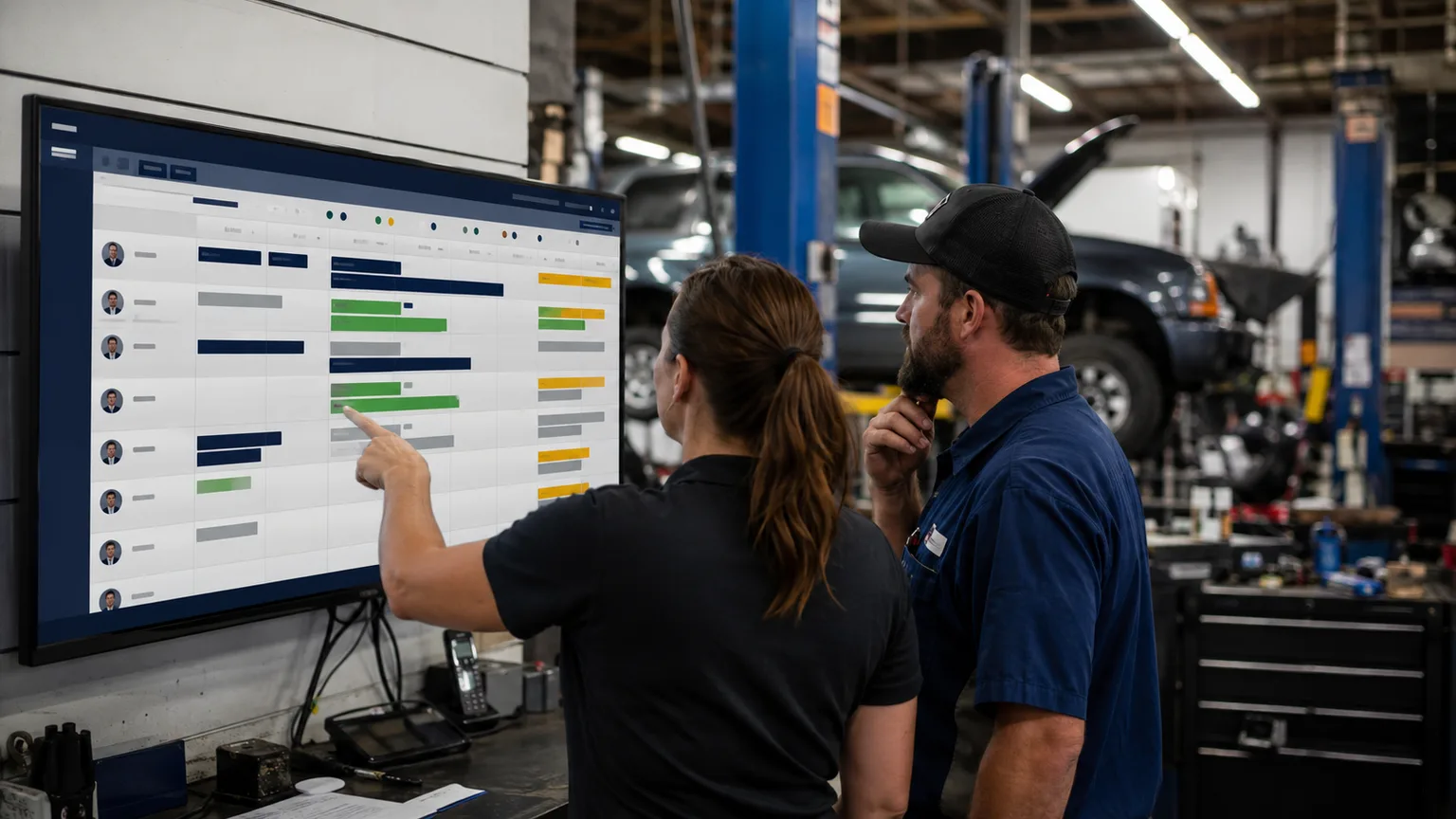
Where digital tools can improve the board is memory and reach. A digital schedule can show what changed, carry work forward, stay visible from more than one device, and line up with the system of record instead of competing with it.
That last part matters. Your shop management system should still own ROs, estimates, invoices, inspections, parts, and customer messages. BayBoard is not trying to take that job. BayBoard is for the floor schedule: techs, bays, carryover, load, and the next move.
What To Keep From The Old Board
Do not move away from the whiteboard by making the schedule harder to see.
That is the mistake.
If the team has to click through five screens to answer the question they used to answer by looking at the wall, they will go back to the wall. They should. The floor does not have patience for software that hides the day.
Before changing the board, write down what the board currently does well:
- Which colors or columns does the team already understand?
- Which status words does everyone use?
- Which jobs need to stand out immediately?
- Which decisions happen at the board?
- Which parts of the board are ignored because nobody trusts them?
Then keep the good habits.
If the board makes waiters obvious, the digital schedule should make waiters obvious. If the board makes carryover visible, the digital schedule should make carryover stronger. If the board helps the foreman reassign work by tech, the digital schedule should make that faster, not prettier.
The goal is not to make the shop feel more technical. The goal is to make the day's work more visible and less dependent on memory.
A Practical Test for Your Current Board
Here is the simplest test I know.
Walk to the board at 2 PM and ask five questions:
- Which jobs are waiting on parts?
- Which jobs are waiting on approval?
- Which tech is overloaded?
- Which vehicle is most likely to carry over?
- What promise is most at risk before close?
If the board answers those questions quickly, it is still doing useful work.
If the board cannot answer them without asking three people, the shop has outgrown the board as the working schedule. It may still be useful as a visual aid, but it should not be the only place where the day lives.
The Board Was Right About Visibility
The whiteboard was right about one thing: the schedule belongs where the team can see it.
That should not change.
What should change is the amount of manual copying, guessing, and remembering required to keep the schedule true. A shop-floor schedule should show the same visibility the board gave you, plus carryover, parts waits, bay conflicts, and workload changes that survive the day.
BayBoard is built for that layer. Keep your SMS as the system of record. Use BayBoard for the live floor schedule.
If your board is still working, respect it. If your board is now the only thing holding the day together, it may be time to give the floor a schedule that remembers what the marker cannot.
You can see how BayBoard prices that floor-scheduling layer on the pricing page.
FAQs
- What should be on an auto repair shop whiteboard schedule?
- At minimum, the board should show the vehicle, customer or RO, assigned tech, job status, promised time, parts or approval status, and carryover risk. If bay or equipment constraints matter in your shop, those should be visible too.
- When does a repair shop whiteboard stop working?
- A whiteboard starts breaking when the team has to rewrite the same information all day, carryover gets hidden, parts-wait cars block productive space, or the owner and service writer cannot see the same live schedule from wherever they are working.
- Should a shop keep the whiteboard after moving to a digital schedule?
- Some shops keep a simple backup board, but the working schedule should live in one system. If the whiteboard and digital board both drive daily decisions, the team will eventually trust whichever one was updated last.
- How is a whiteboard different from shop management software for scheduling?
- A whiteboard gives the floor quick shared visibility. Shop management software is the system of record for ROs, estimates, invoices, inspections, parts, and customer communication. A floor schedule has to connect the visibility of the board with the structure of the system.
- Can BayBoard take over my shop management system?
- No. BayBoard sits next to the SMS and gives the shop floor a live schedule for techs, bays, carryover, and workload visibility.
Want to see the floor schedule in a real shop?
BayBoard runs next to your shop management system and gives the floor its own schedule.
Book Demo
Daniel Mallatt
Founder, BayBoard / Owner, Franklynn Automotive
Daniel Mallatt runs Franklynn Automotive, a six-bay repair shop in Littleton, Colorado, and built BayBoard from the scheduling problems he sees on the floor.
Keep reading
Auto Repair Bay Scheduling
How auto repair shops should think about bay scheduling, technician capacity, blocked work, carryover, and same-day movement.
Stop Overbooking Techs
A practical way to stop overbooking mechanics by planning technician hours, carryover, job mix, and bay constraints without starving the shop floor.
Schedule Your Shop Better
A practical scheduling system for auto repair shops that accounts for technician capacity, carryover, parts delays, and the 4 PM surprise.